Highlight

Overview
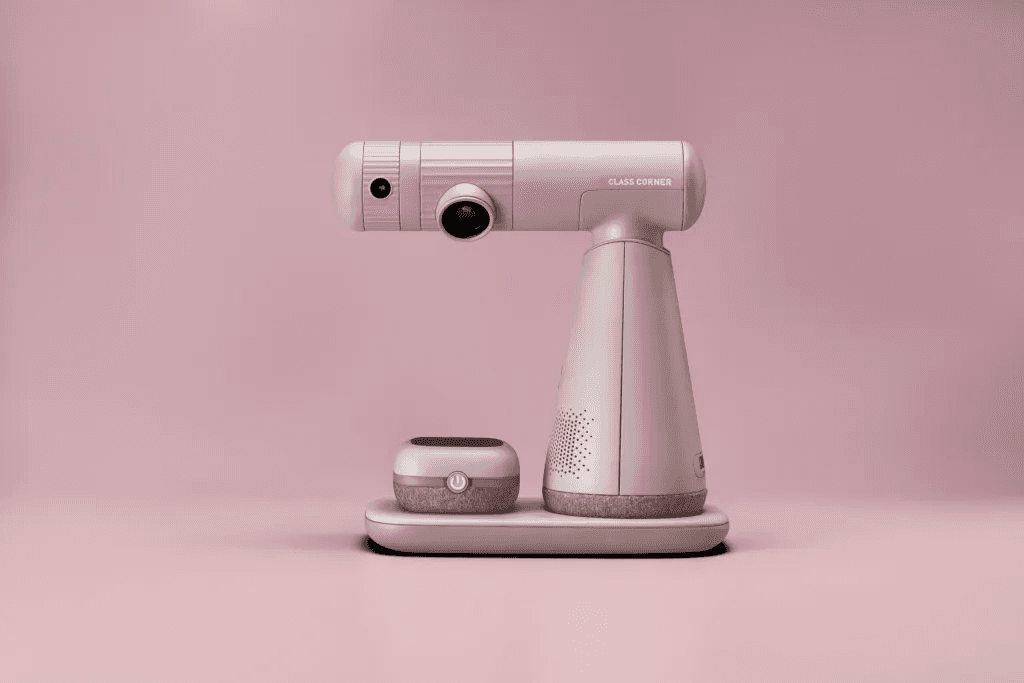
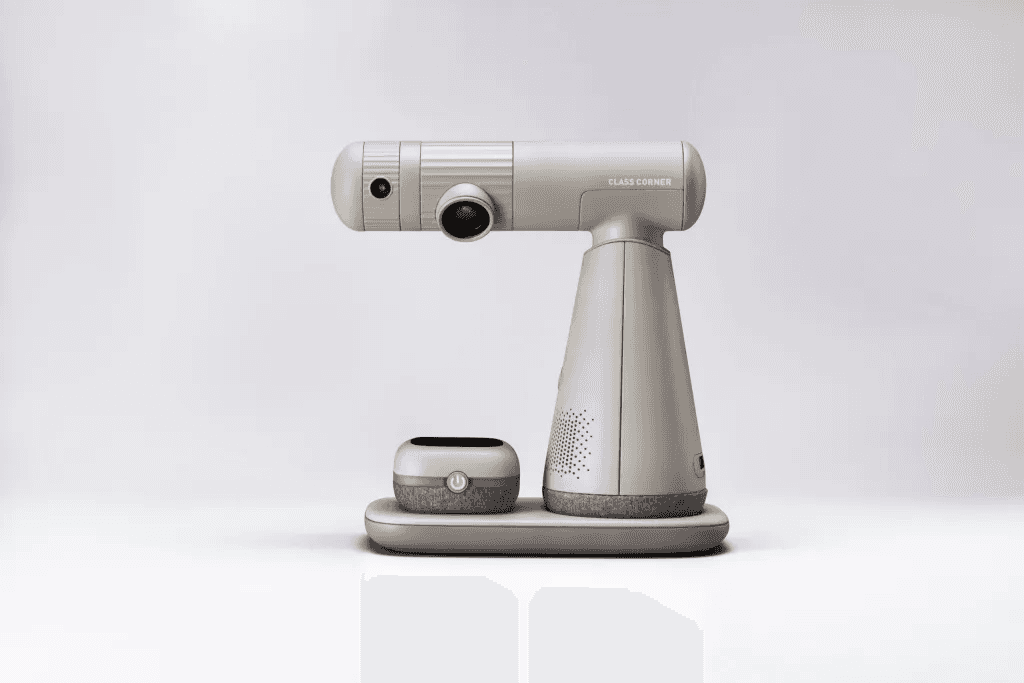
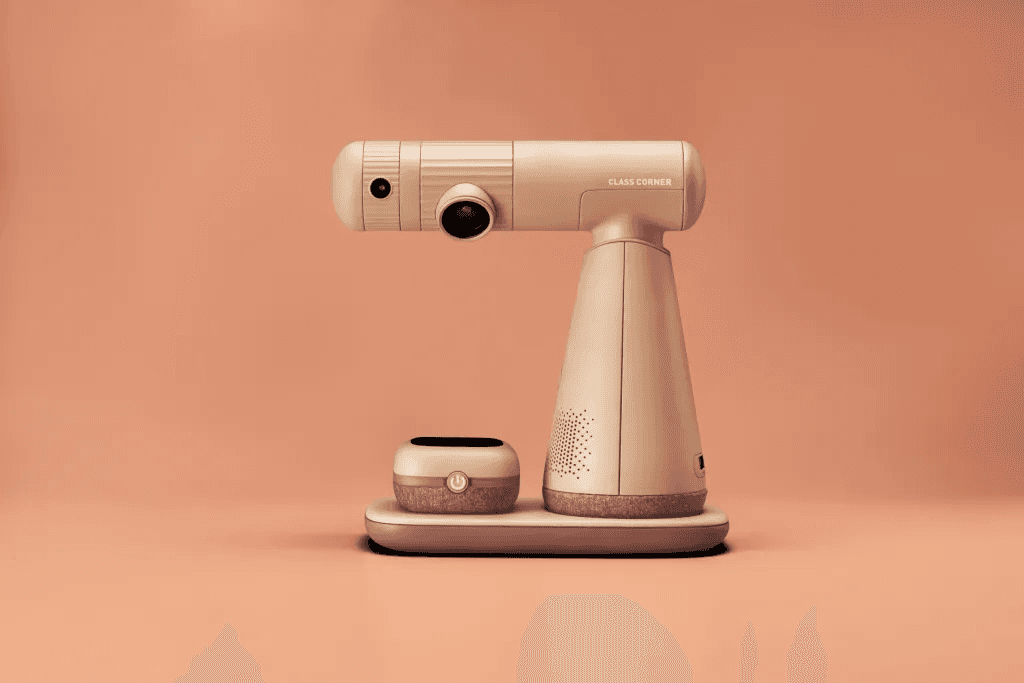
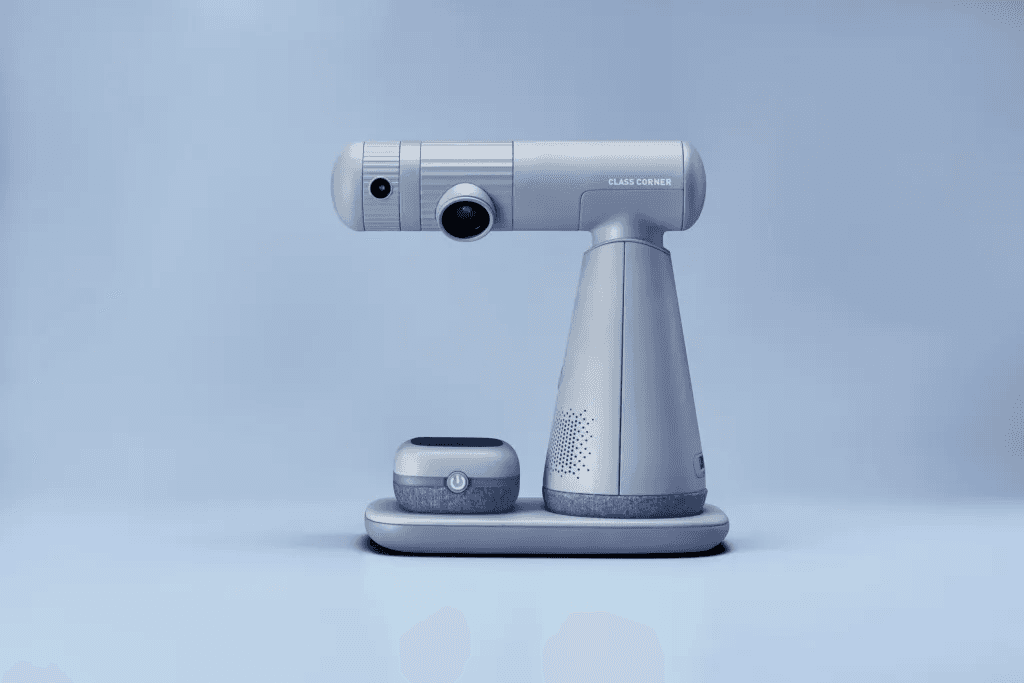
As distance learning becomes essential, our design offers a set of improved remote tools where students can intuitively interact with teachers via gestures. This allows teachers to provide immediate feedback, like points or warnings, keeping children more attentive in class.

Design Background
Interestingly, there have been more efforts at advancing technology than in attempting to understand the needs and learning styles of individual learners and instructional design. Pupils who need to focus and interact in the class have faced the problems of poor learning effectiveness. It also lacks the sense of ritual and interaction with classmates and teachers in remote classes.
Interview
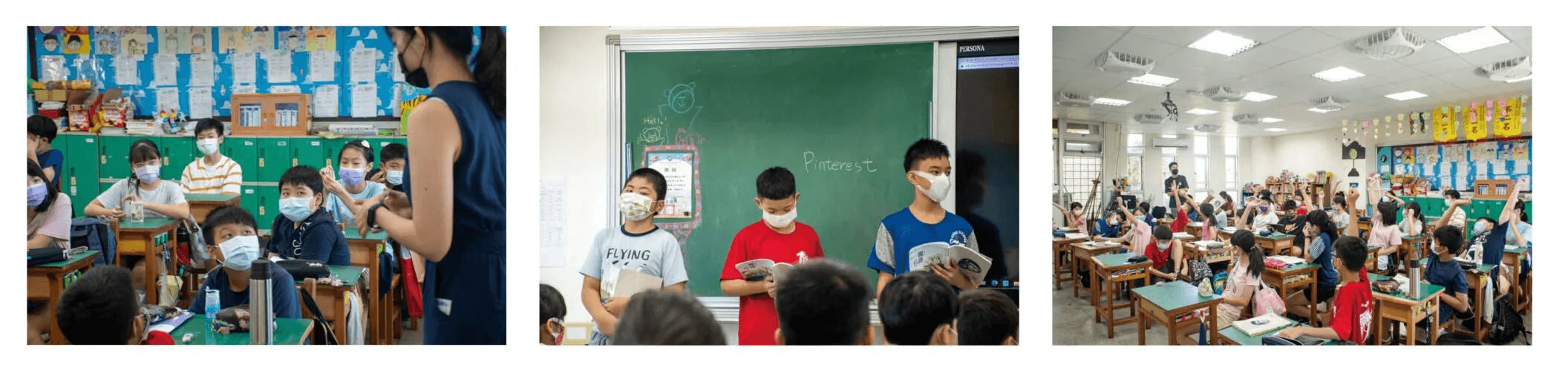
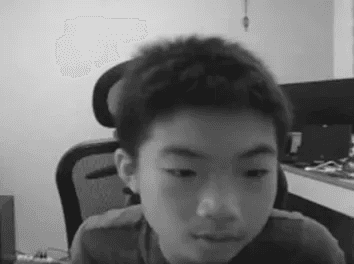
We interviewed six stakeholders from primary school teachers, students, and parents to the profession of distance learning aid. Trying to understand the challenge they have encountered during distance courses.


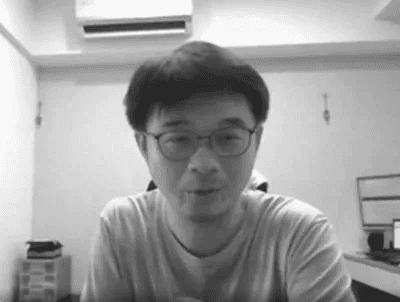
What did teachers think?
What did students think?
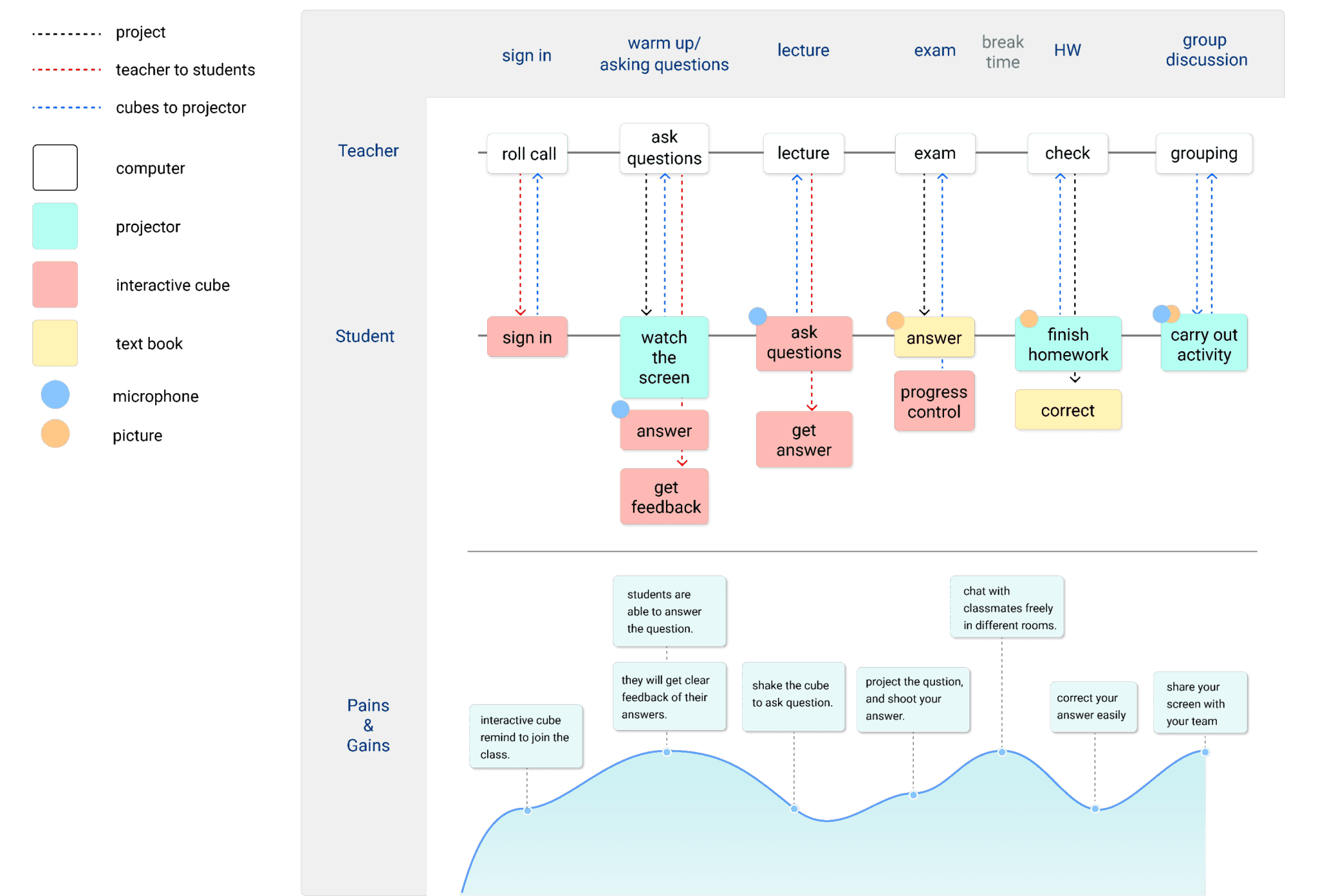
User Flow
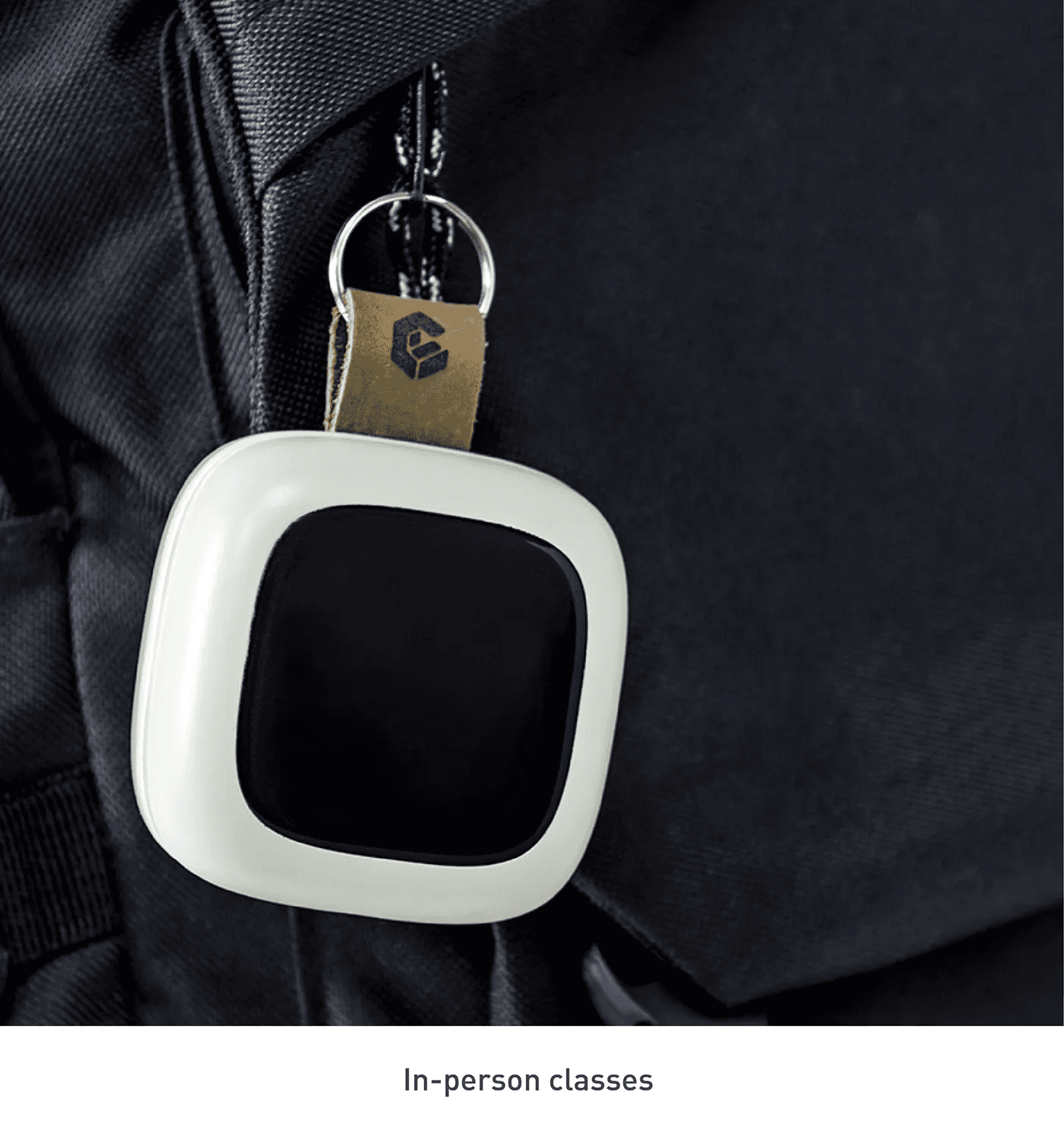
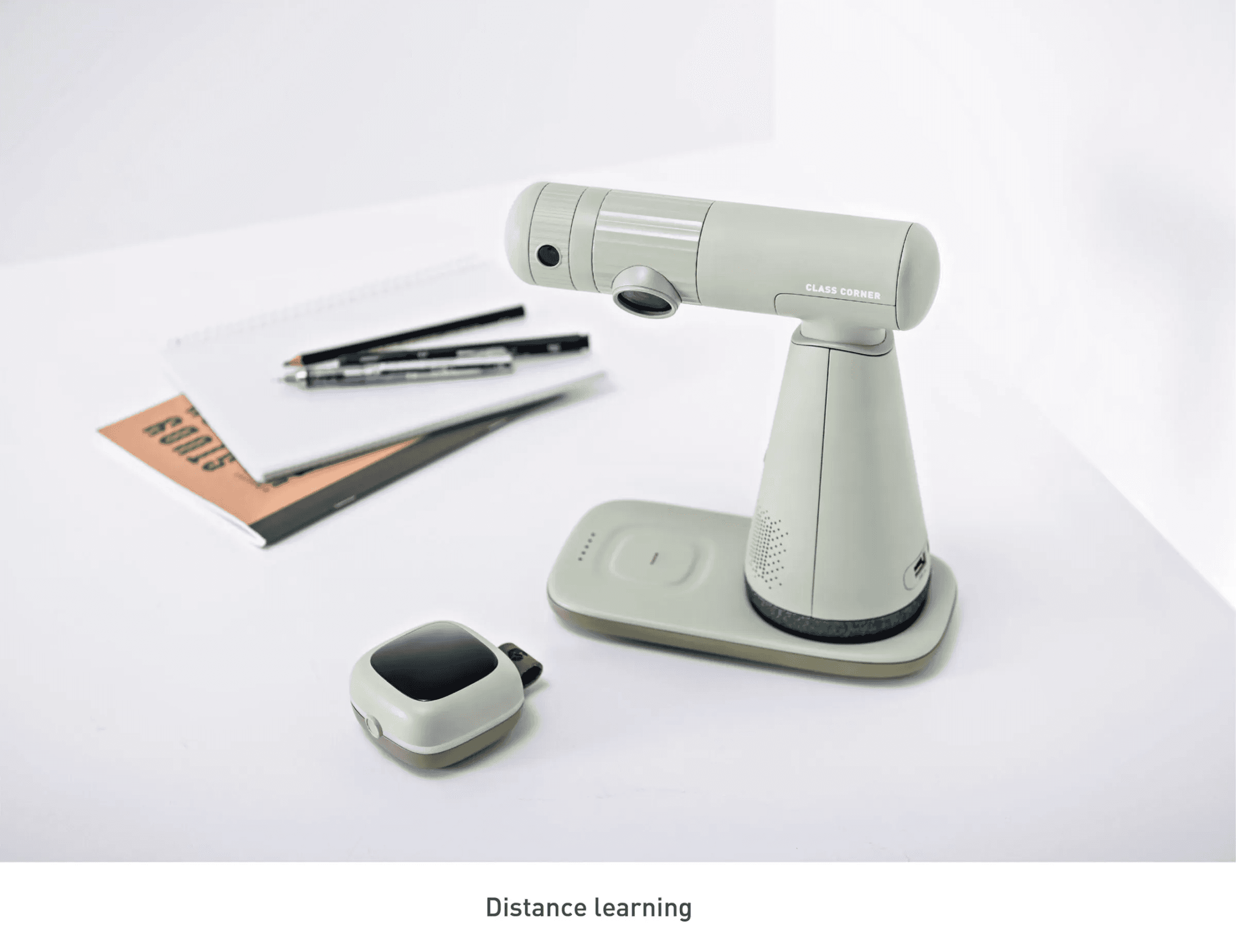
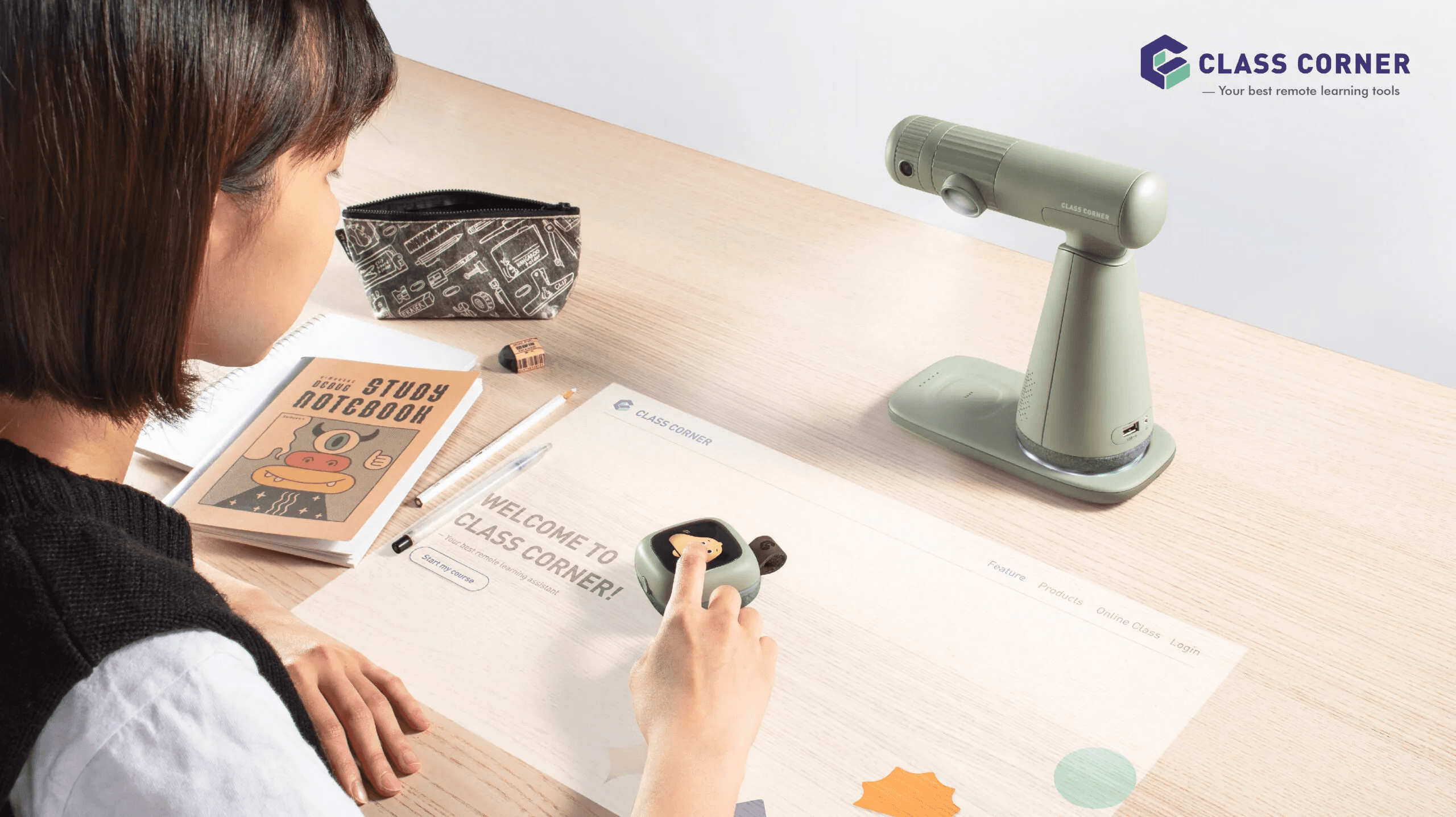
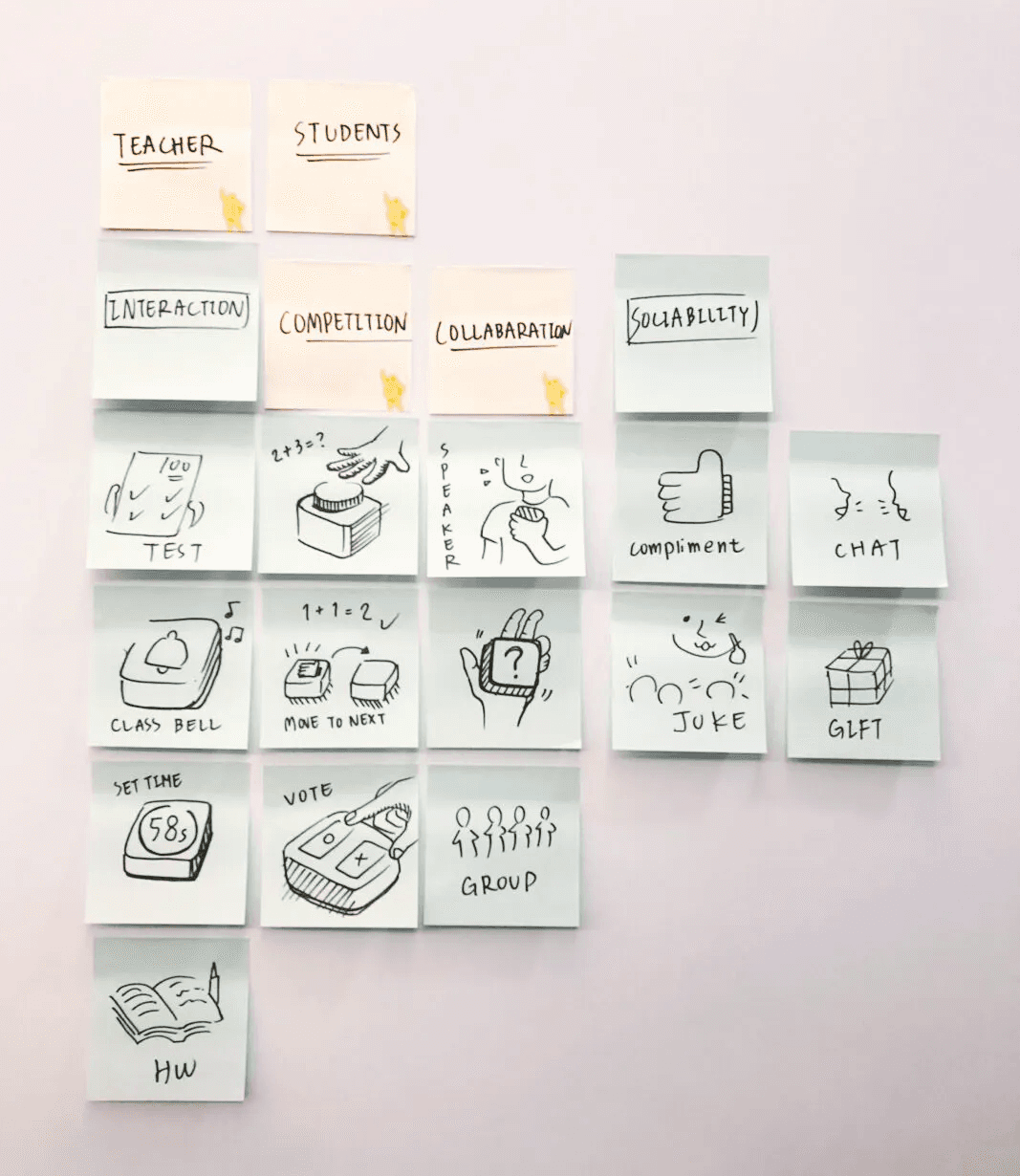
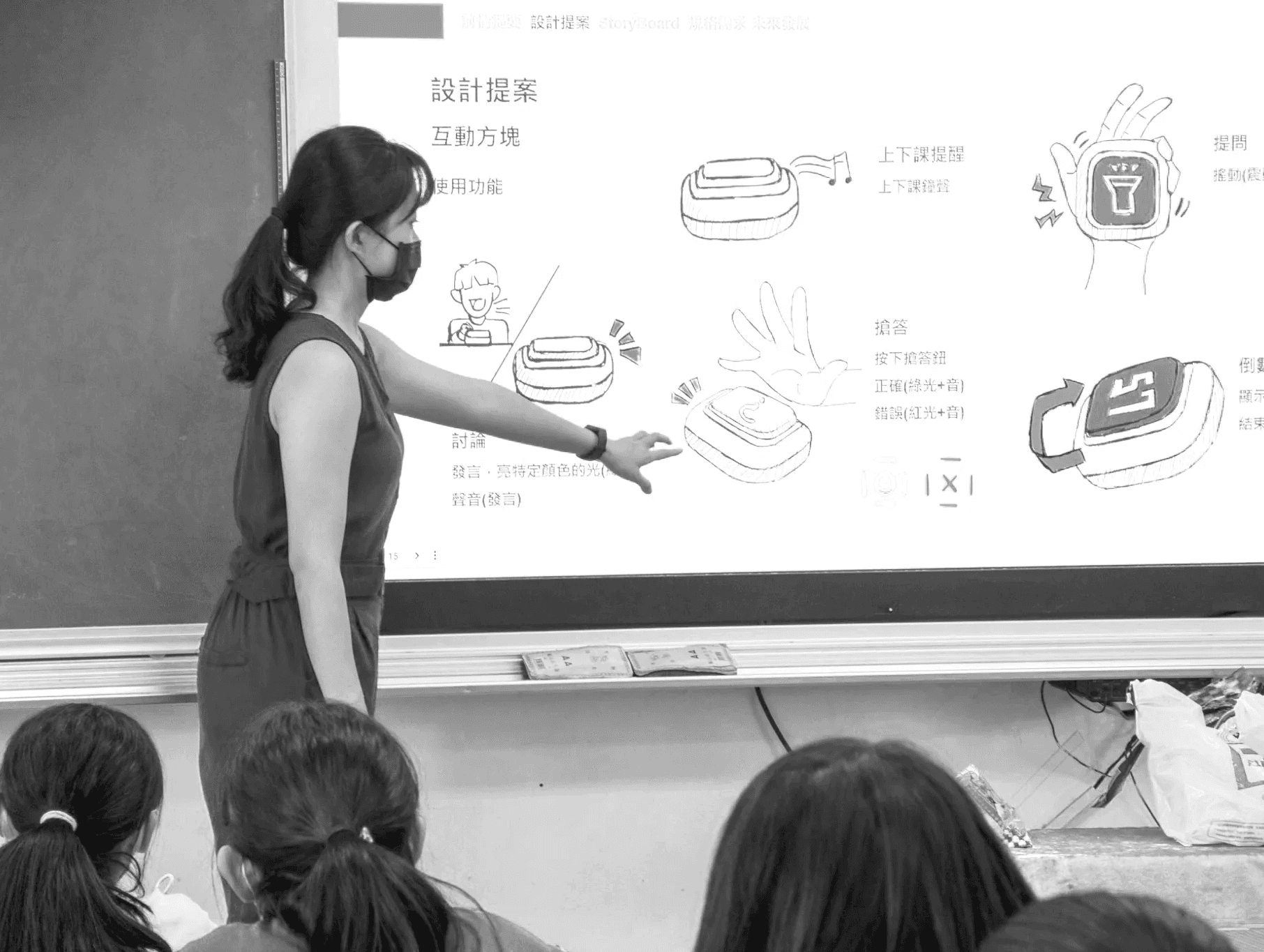
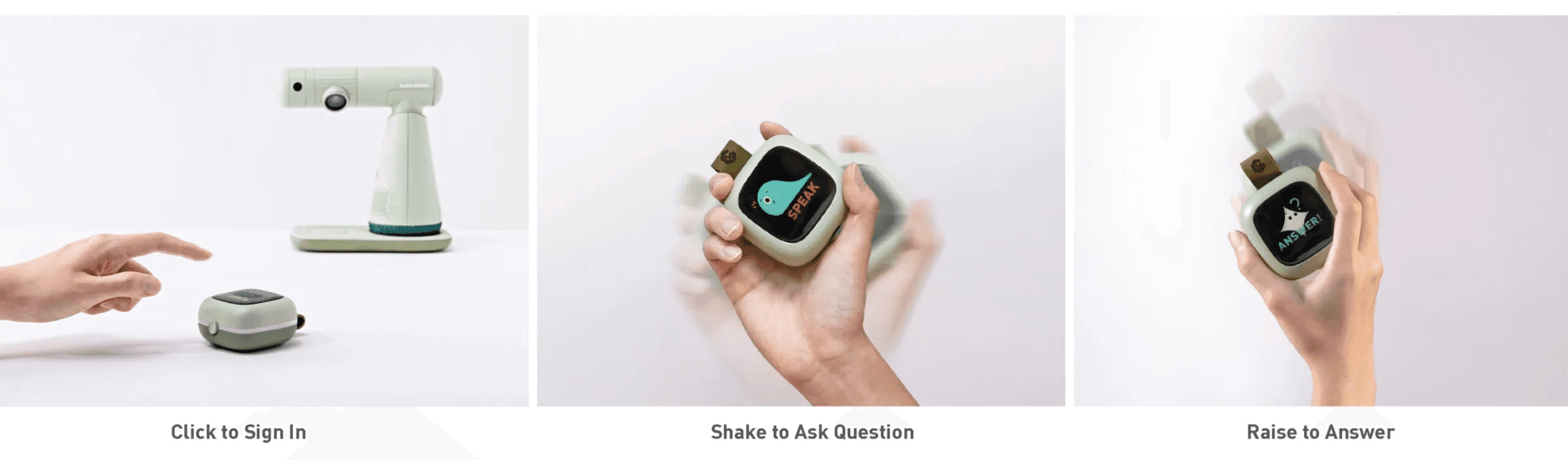
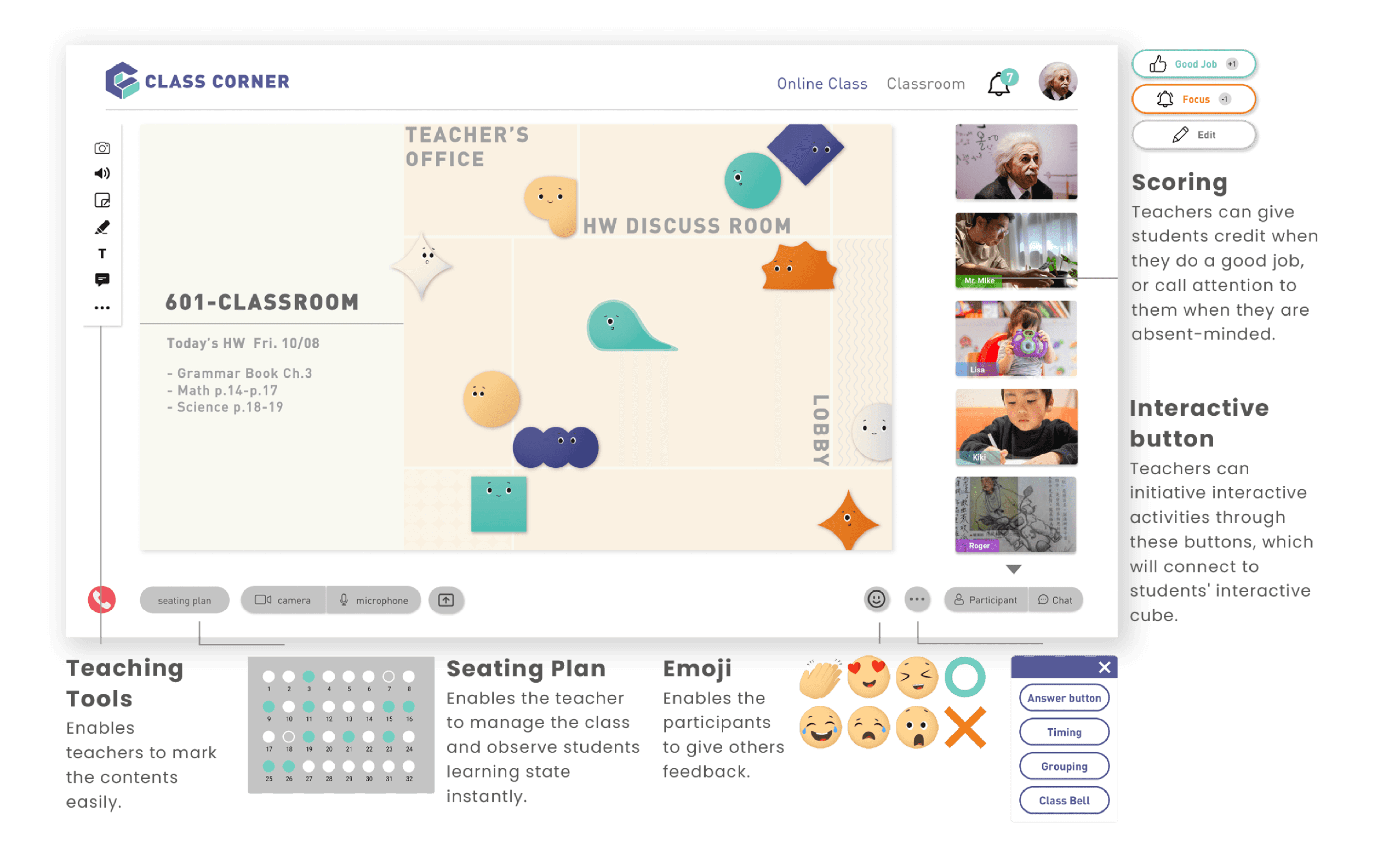
In the class, teachers can interact with students simply through their computers. They can remind students to join the class by ringing their interactive cube as if the school bell ring in the school. Whenever students have questions, they can shake their interactive cube, and the teacher would notice. The smart projector also makes it easier for students to take a shot at their homework and hand it in.
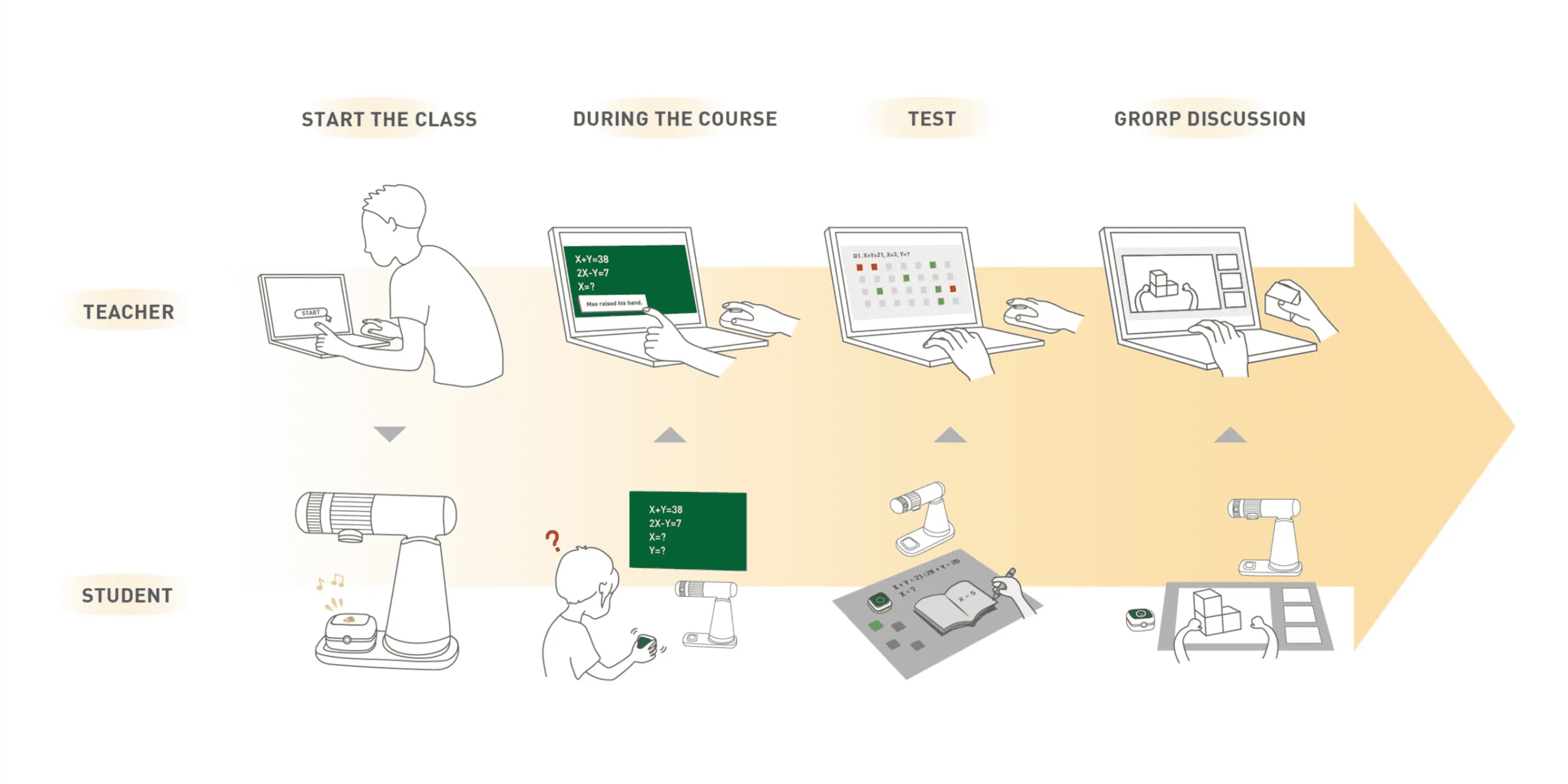
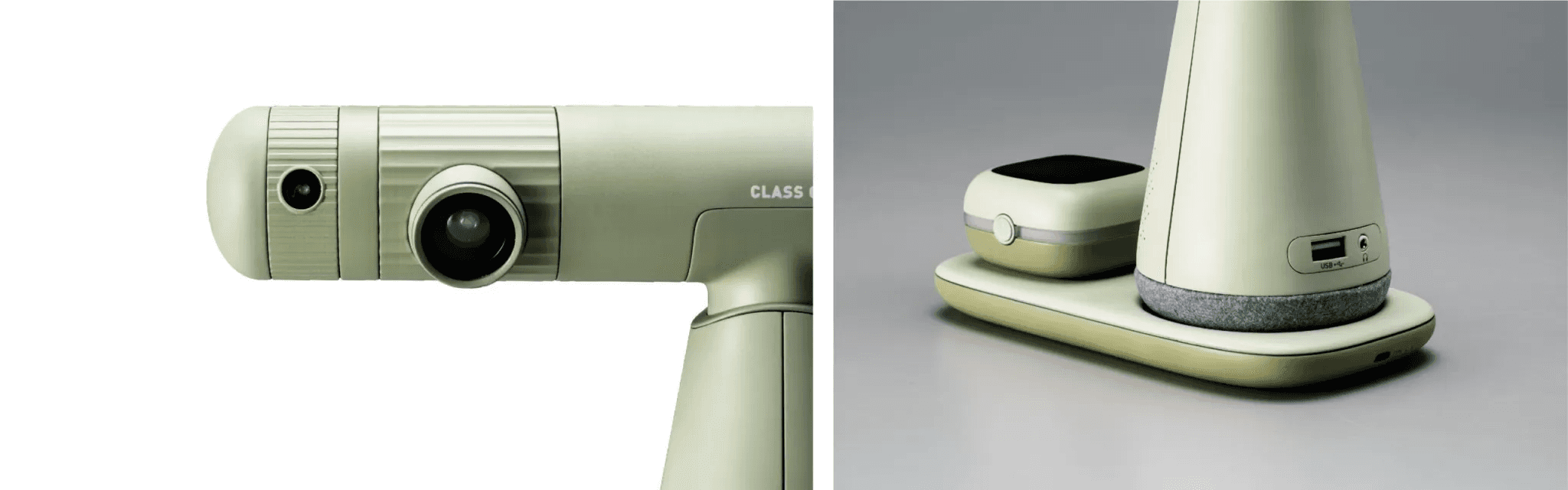
Smart Projector
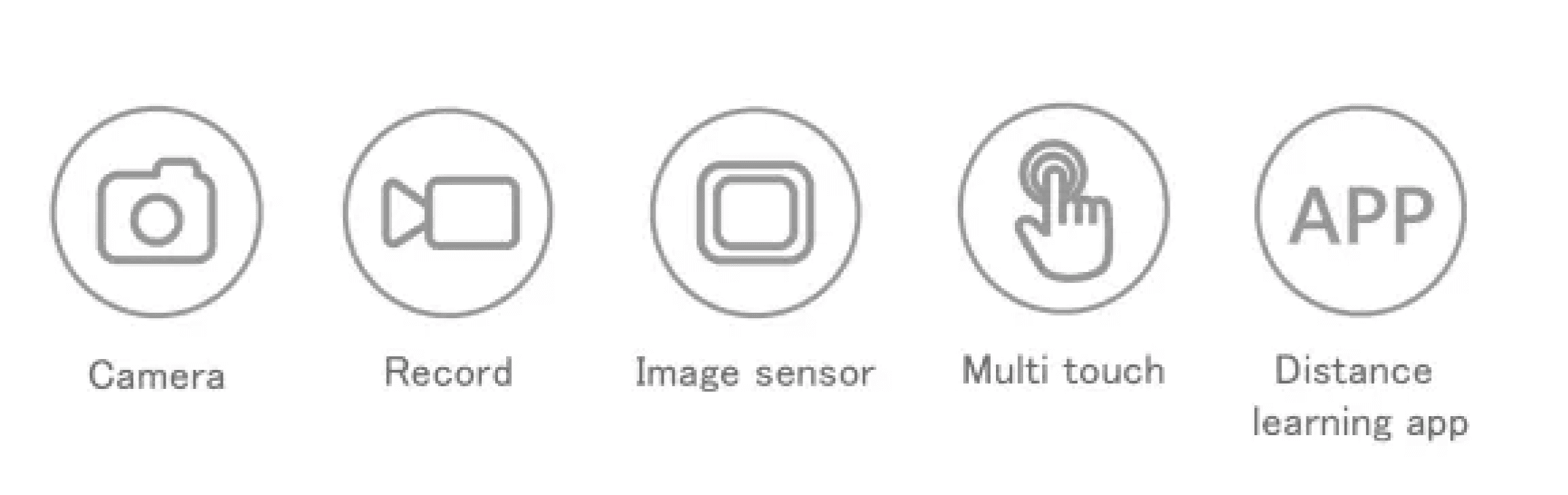
Through the eye-protecting projection interface, students can pay more attention to the course, take screenshotting, share screens, and help teachers control the effectiveness of students’ learning instantly.
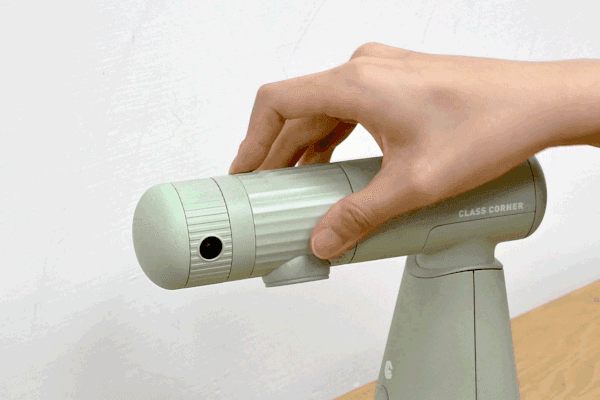
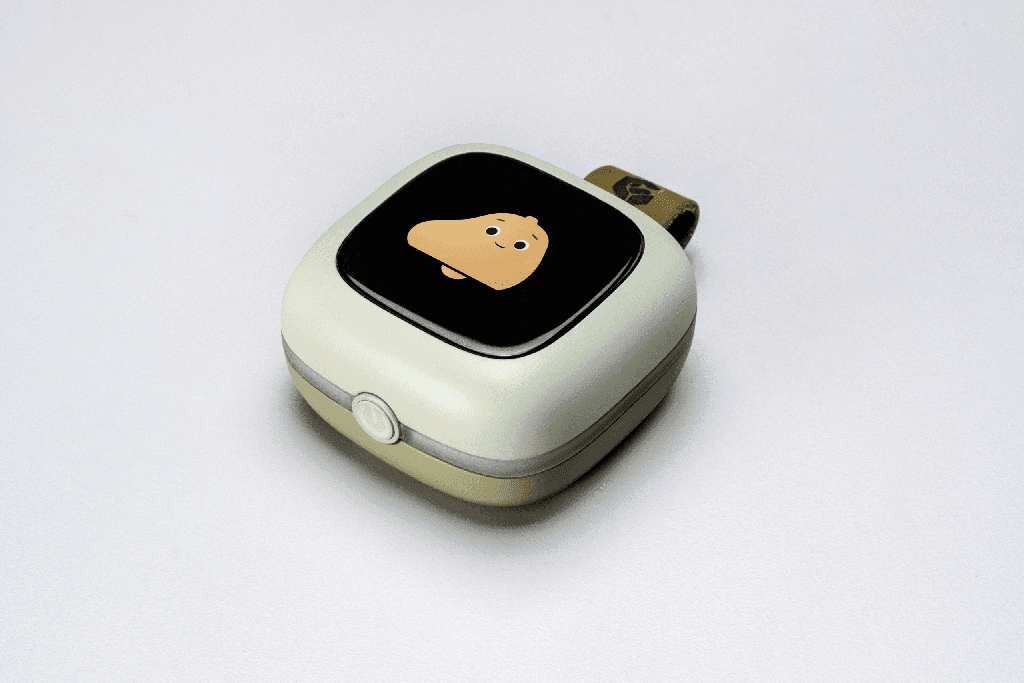
Interactive Cube
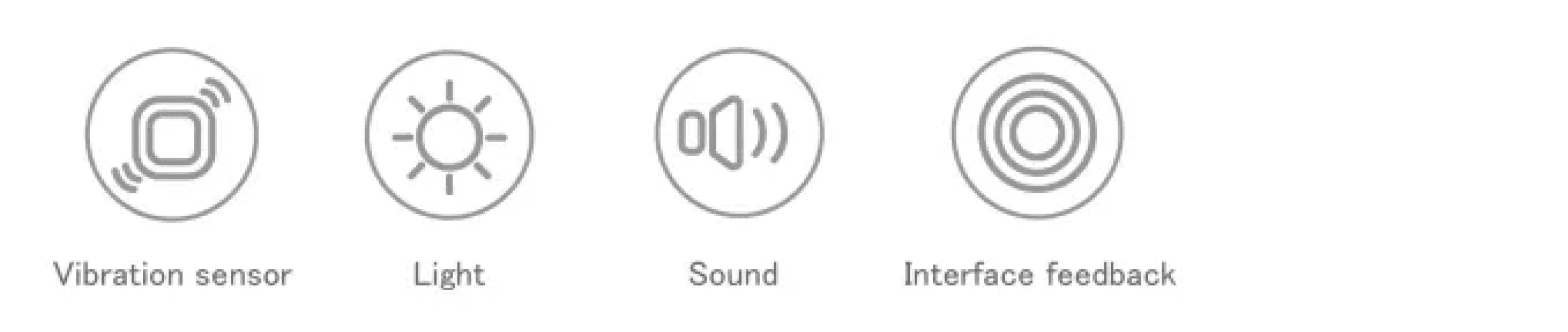
It can also give students instant feedback through adding points, evaluations, and private calls, which will enable students to put more attention to the courses.
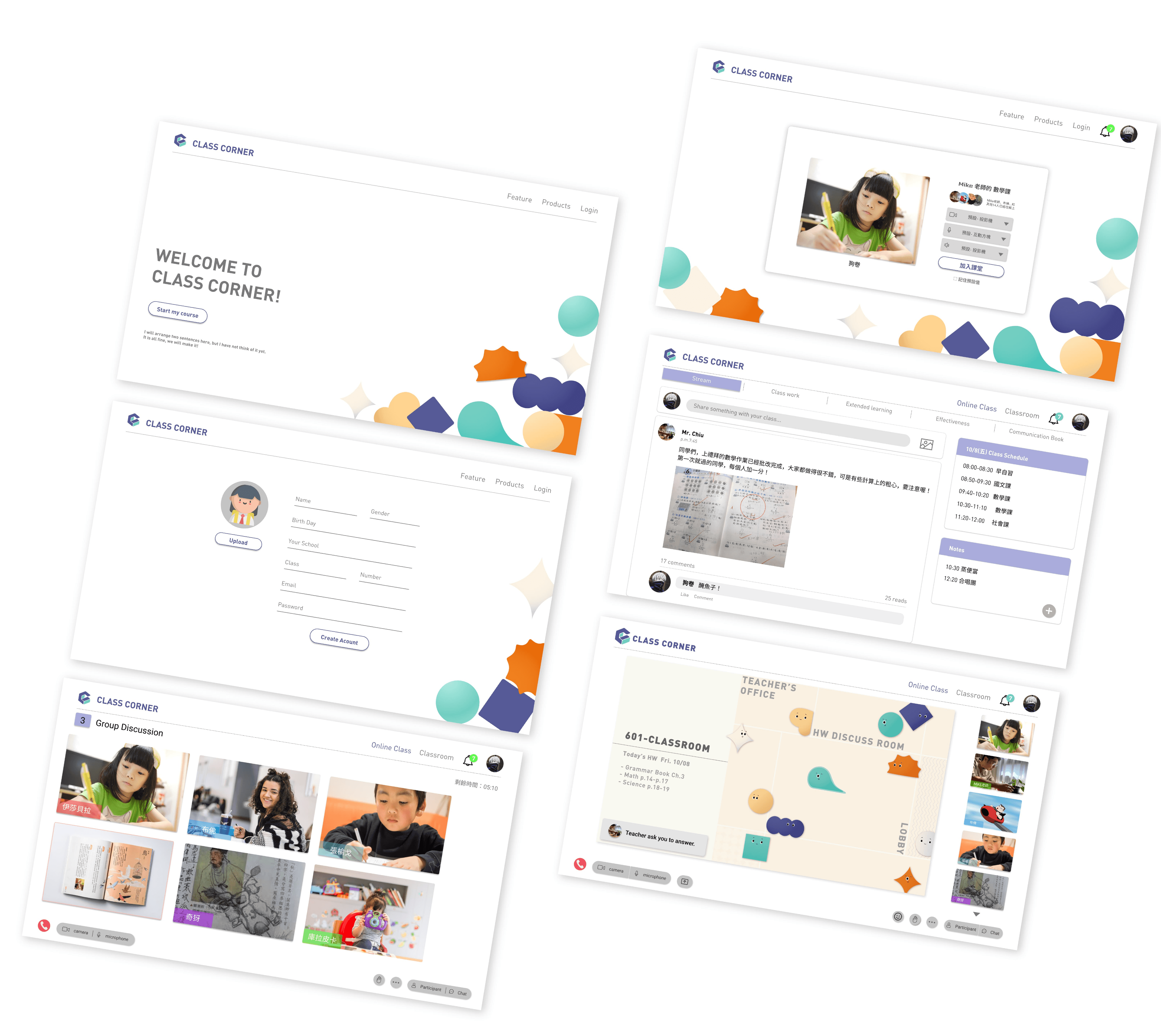
Distance Learning Software
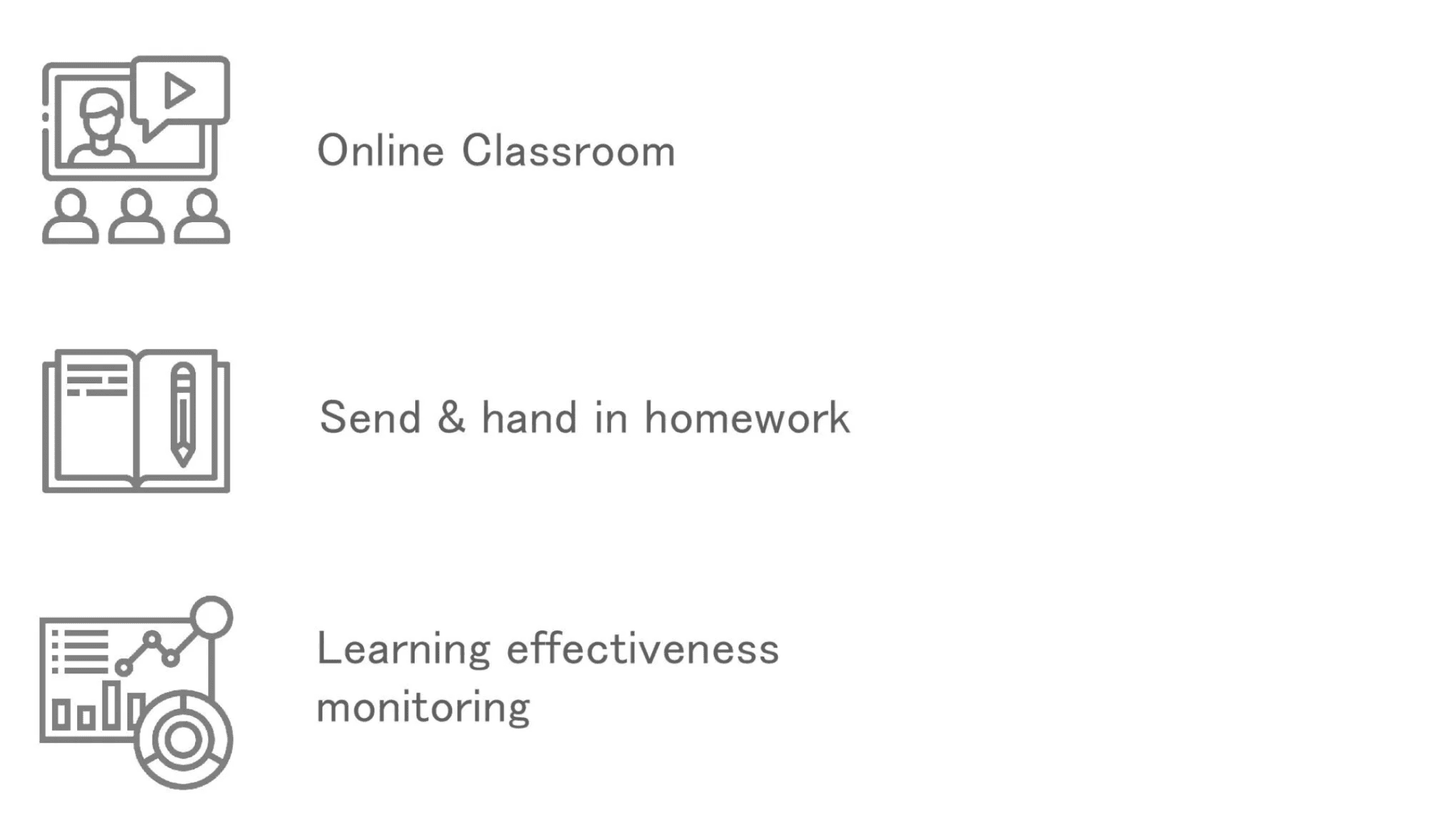
Moreover, teachers can supervise students’ learning effectiveness easily after the class.
Distance Learning Software
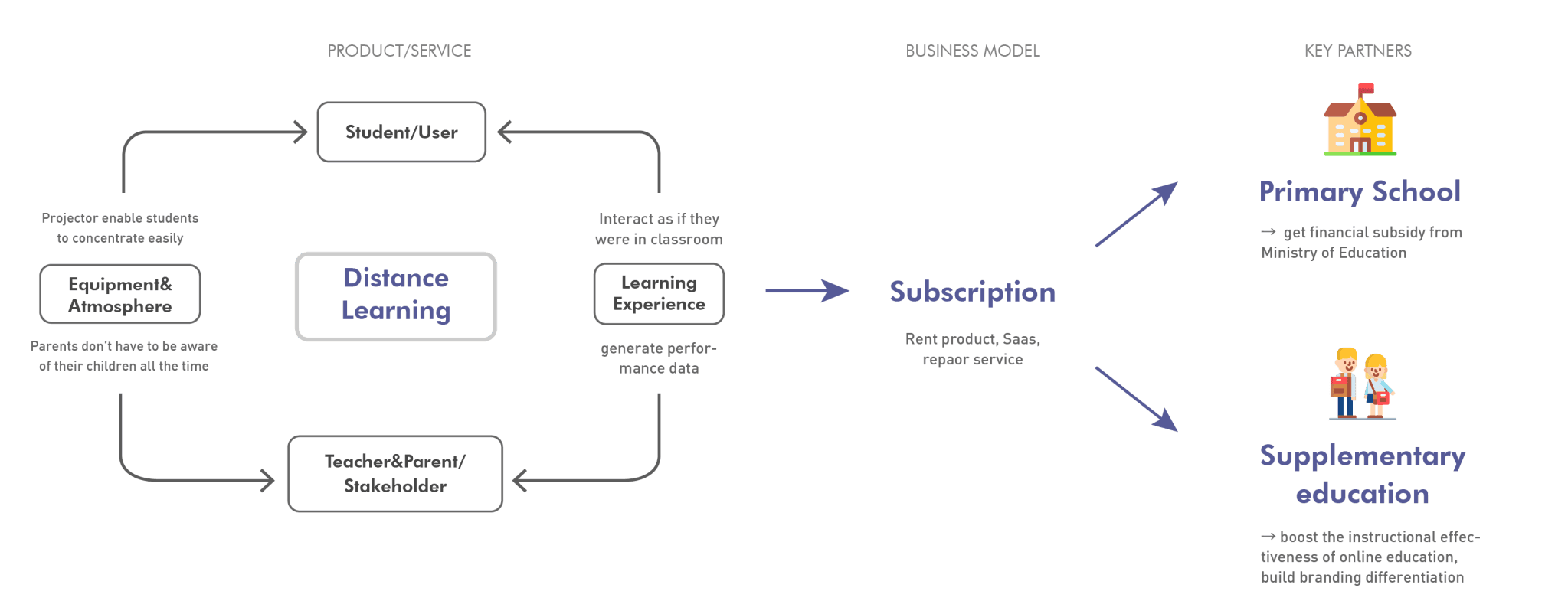
Hybrid Learning